Building a browser plugin with AI to simplify North Data research
Published on
by
Bo Willem Fricke
what if you could open a company’s financial data directly from its own website – with just one click? This exact thought had been occupying Haskell 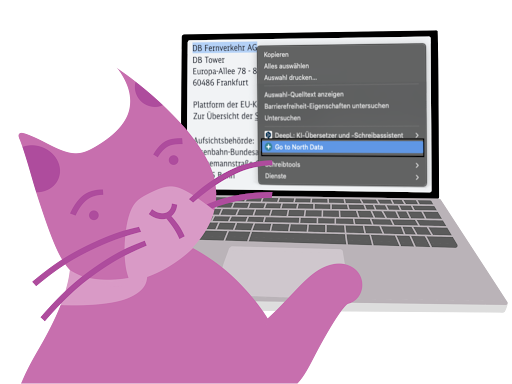 for quite some time. He works a lot on the computer, often researches company websites, and wants to know how companies are doing economically. Still, every time he has to copy the company or person’s name, switch tabs, and paste it – a small but repetitive hassle. So he started thinking: what if you could jump straight from a company homepage to the matching North Data page?
The idea was simple: when you open a company’s legal notice page, the plugin would automatically show a link to North Data. In Firefox, this could be done through an add-on, like extensions in Chrome. The add-on would detect when a legal notice page is opened and extract the relevant company information. The focus would be on the VAT ID number, since it’s unique and reliably tied to one company. Once the add-on recognized the company, a small window on the right would appear – displaying the correct North Data link, which could be opened in a new tab with one click.
Since Haskell had little programming experience, he pinned his hopes on Artificial Intelligence (AI). His first prompt looked like this:
“I want an add-on that does the following: When I open a website’s Impressum page, I want a small window on the right to display links to the corresponding North Data page. Example: I open https://goodspaces.de/impressum, and it should lead here: https://www.northdata.com/GoodSpaces GmbH, Karlsruhe/Amtsgericht Mannheim HRB 712342. Is that possible? Please don’t start writing code until you have all the necessary information.”
Reality, however, set in quickly: even with AI, you still need technical know-how. Many prompt iterations followed (we’ll spare you the details). Let’s just say AI has a curious habit of reintroducing bugs it had already fixed. For seasoned coders that’s nothing new, but for Haskell it was.
He also discovered another insight along the way: using VAT IDs wasn’t the ideal solution after all. Not all companies have one, and North Data doesn’t list VAT IDs for every business. More surprisingly, some companies even publish incorrect VAT IDs on their legal notice page.
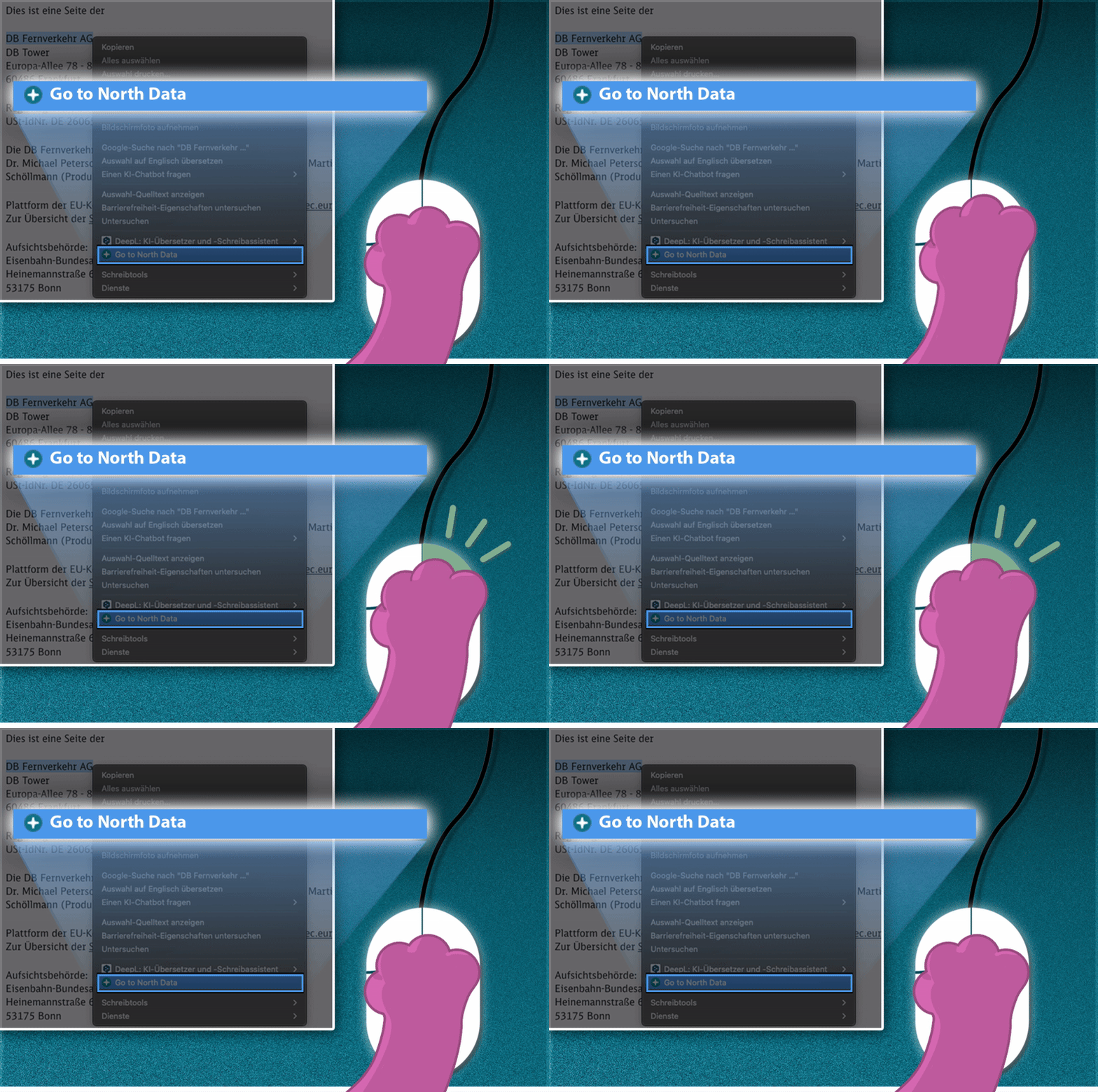
The real breakthrough came – unsurprisingly – after Haskell talked to a programmer. Instead of reading the legal notice page automatically, the search would be triggered by a simple right-click: when users highlight a company name or VAT ID on any website, they can choose “Search on North Data” from the context menu. One click opens a new tab with the correct North Data page.
The advantage? Users control which information – company name or VAT ID – is being used. That makes the search more reliable than an automated scraper and prevents the annoyance of extra windows popping up on every page you visit.
The function can be installed in Chrome directly through this link – just click “Add” and the extension installs automatically. In Firefox, download this file first, then open it with a double-click. It should automatically be installed in your Firefox Browser. Afterward, you can manage the Add-On through your “Add-ons and Themes” in Firefox directly.
If you use another browser but would like to try it too, Haskell would love to hear from you.